Notion's built-in import
- Images and diagrams disappear
- Slide layouts collapse into stray bullets
- Scanned PDFs come in nearly empty
The visual content is lost
Notion connected
Notion's built-in import strips images and layout from lecture slides and scanned textbooks. NoteBelow preserves each page as an image in Notion, with space for notes underneath.
30 free credits · no credit card required
Before / After
The visual content is lost
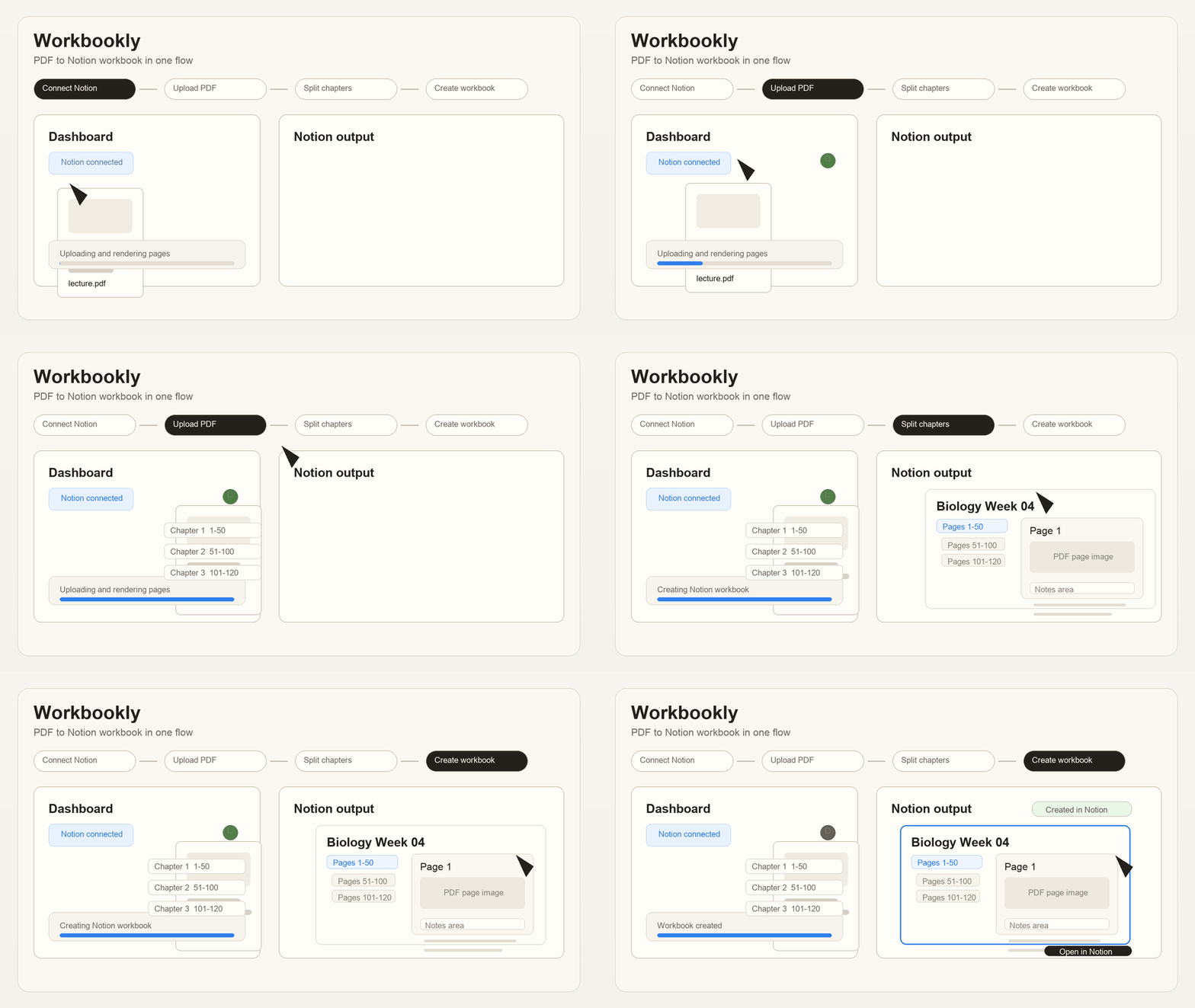
Every page preserved, with note space — about 2 minutes
How it works
Sign in with Notion OAuth. Users do not need to paste a Notion API key.
Pick the Notion page where generated pages should be created.
We create chapter pages directly inside that Notion page with PDF images plus note space.
Use context
NoteBelow is not a generic PDF uploader. It creates PDF page images and note space under a Notion page approved through OAuth.
Students taking notes on lecture slides, researchers reviewing papers page by page, and teams organizing textbook PDFs in a Notion knowledge base.
Chapter pages are created directly inside the selected Notion page, with note space under each PDF page image.
PDF uploads support files up to 100MB. OCR and AI summaries are not the core feature today, and users should upload only PDFs they have rights to use.
Beta access
NoteBelow is currently validating conversion reliability, processing time, and Notion output quality before paid checkout launches.
$0/ 30 credits
FAQ
No. Beta credits can be used until the beta credit policy changes.
No. NoteBelow connects through Notion OAuth.
The original PDF is deleted after conversion. Rendered page images may be kept in secure storage so the workbook can display them.
No. Credits are charged only for completed pages, and failures are refunded automatically.
30 free credits included
Beta feedback
NoteBelow is validating conversion reliability, processing time, and Notion output quality with real beta users.